
Northline StudioSydney, Australia
Ethan Brooks
Creative directorNorthline Studio
Brand identities and digital experiences for ambitious small businesses.
Based inSydney, Australia
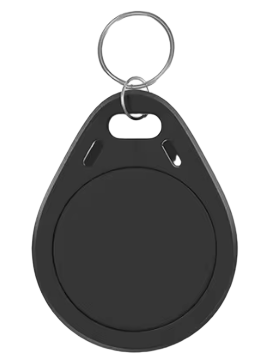
Make a digital card, a business page or a product page. Share it by link, QR code or an NFC tag. People open it in their browser, with no app to install. Change your details whenever you like: the link and QR code stay the same.
Creative directorNorthline Studio
Brand identities and digital experiences for ambitious small businesses.
 mideets
One account for every card, page and product
Three formats.
Digital Business Card
 02
02Business Listing
 03
03Product Showcase
Fictional examples—not customer endorsements.
A closer look / fictional interactive demo
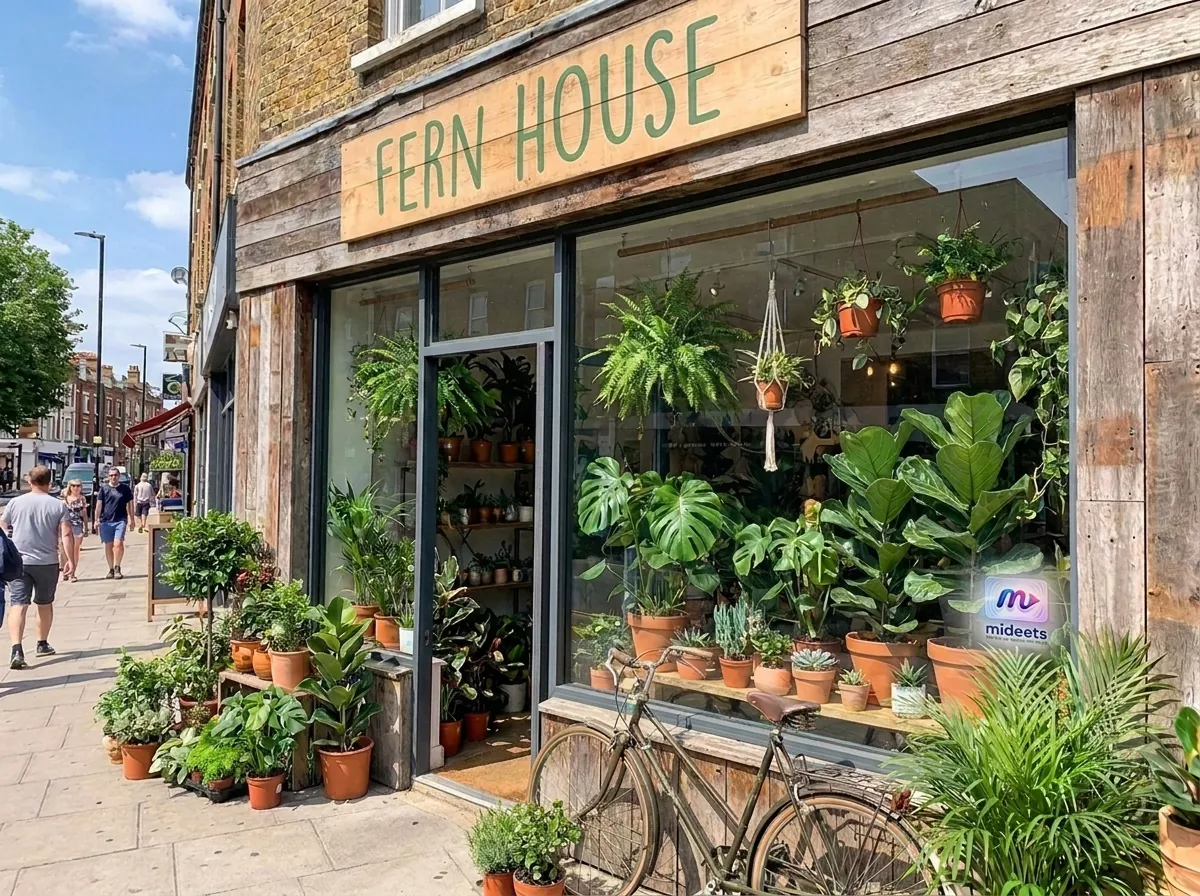
A fictional neighborhood greenhouse, with its address, hours, and next step in one place. Open the working demo or scan its real QR code.
Open Fern House demo Demo content only. This is not a real business or customer.Plants, tools & workshops
Fitzroy North · Tue–Sun
Change it once
New number, new hours, a revised spec sheet? Update the published page once. The link, QR code and NFC tag you’ve already handed out open the new version.
Edit your page
SHOW
Add photos, or a short muted video that loops at the top of the page.
 muted video
STYLE
Pick a theme and apply your brand kit.
CONNECT
Add social profiles and custom-labelled links, so visitors know where each one goes.
CREATE
Use AI Studio to make images or short videos.
A useful tool on its own
Create a Dynamic QR code for a link or plain text and download it as PNG or SVG. Or make an editable code you can repoint or pause without reprinting.
Sign in to create QR codesChoose a format, add the details, and make its design feel like yours.
Send the link, show its QR, or point an existing NFC tag to your page.
Publish, unpublish, and return to update details when they change.
See total page views and contact saves, and manage your cards in one place. It doesn’t yet show whether a view came from the link, QR or tag.
Yes. The page opens in a phone’s browser from its link or QR. NFC behavior depends on the phone and tag, so a link or QR is a reliable alternative.
No. They open the shared link in a browser. Only a Digital Business Card offers the option to save selected contact details to an address book; business and product pages do not.
Yes. Edit and republish from your account. The published page stays at its address, so the link, QR, and existing NFC tag can continue pointing to it.
The QR generator is available after you sign in. Create a direct QR for a link or plain text and download PNG or SVG, or use an editable /q/slug address whose destination you can change, pause, or resume.
No app for them. No reprints for you.